

Meta Muse: access, setup and AI video creation
This guide explains the Meta Muse access workflow, the reported promotional-code offer and how to structure prompts for cinematic AI video creation. Product availability, account eligibility and promotional offers can change.
Verify the promotion before relying on it: The code
TAWRKW and the claim of “1 billion tokens”, unlimited generations and watermark-free exports are not confirmed by the official product information reviewed for this guide. Do not share payment details or install browser extensions to claim an offer unless Meta confirms it through an official channel.Step-by-step access and setup
- Check availability first: Open the official Meta Muse page. Review the current supported countries, account requirements and service terms. A VPN changes the apparent network location; it does not change account eligibility or override geographic-use rules.
- Use a VPN only where permitted: If you use a VPN for privacy or while travelling, choose a trusted provider and a location consistent with the service’s terms and your actual eligibility. Do not use it to misrepresent your location or bypass a regional restriction. Avoid unknown free extensions that request broad browsing permissions.
- Open the official service: Visit ai.meta.com/muse and select the available “Try Muse” or access option. Sign in using one of the methods actually offered on the official page. The Google sign-in option mentioned in some walkthroughs may not be available to every account.
- Check your account settings: If the official interface displays a Settings or promotional-code section, review its instructions. Do not assume a “Get Redeem Code” option is available to all users.
- Verify the code before entering it: The promotional code
TAWRKWhas been reported as a way to claim extra credits. Its validity, availability and token amount are unverified. Enter it only if Meta’s official interface accepts it and the promotion is confirmed by Meta. Check your account balance after redemption. - Understand usage limits: Confirm the actual generation quota, token or credit balance, expiry date, model access, watermark rules and export rights shown in your account. “Unlimited” and “no watermark” should not be assumed from a third-party claim.
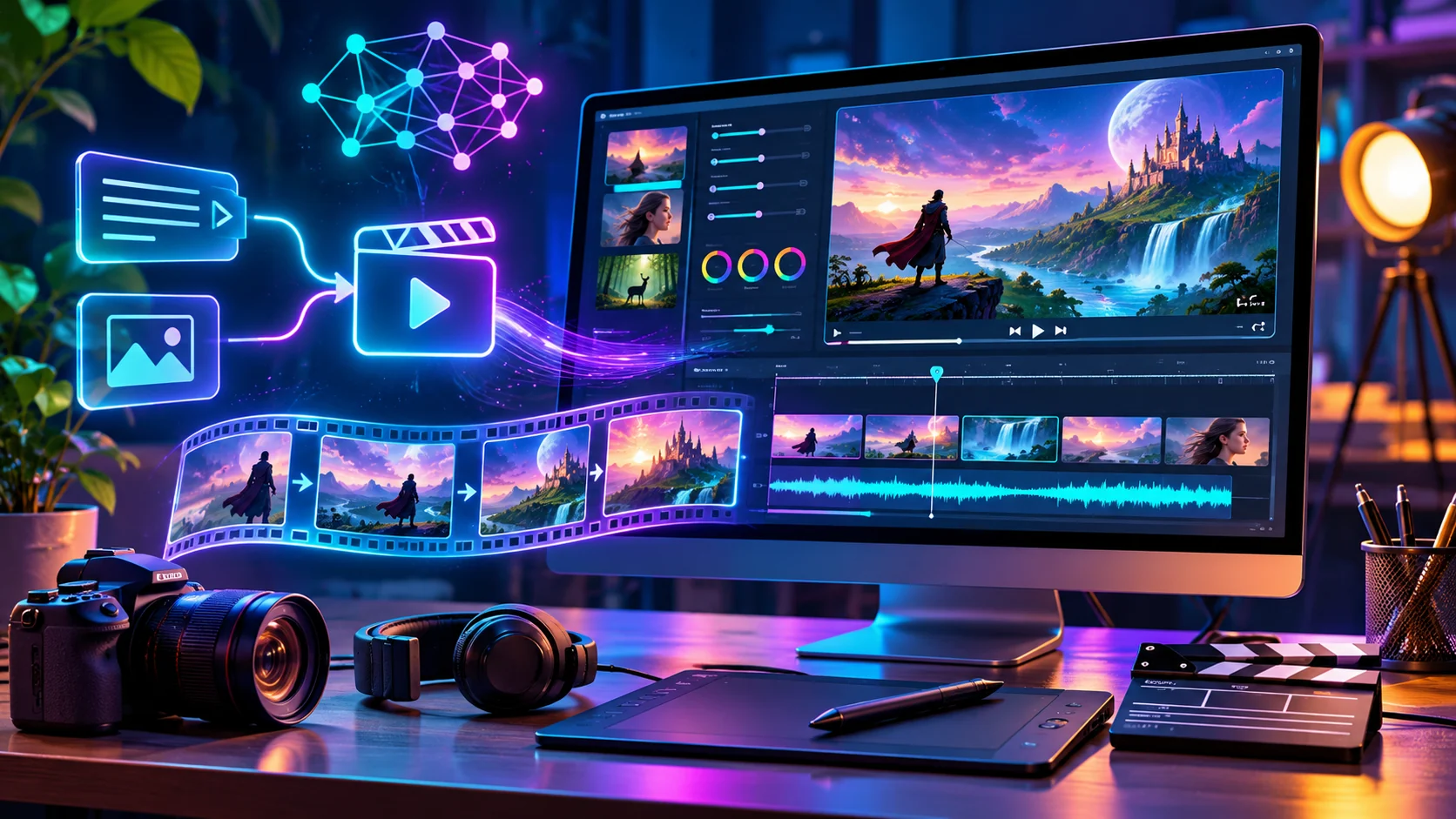
- Create a first video: Start with a short prompt that defines the character, scene, action, camera movement, lighting and visual style. Generate a draft, review consistency and refine one element at a time.
- Export and review: Check the downloaded video’s resolution, duration, watermark, usage rights and commercial-use terms before publishing it.
Example prompt for a cinematic 3D short
Create a short cinematic 3D animated scene.
Character: [describe the character’s face, clothing and proportions].
Scene: [location, time of day, weather and action].
Camera: [wide establishing shot, slow dolly-in, close-up].
Lighting: [soft cinematic lighting and colour palette].
Motion: [describe character movement and background motion].
Style: polished 3D animation, detailed environment, coherent motion.
Keep the character’s appearance consistent across every shot.
How to create consistent scenes
- Use the same character description in every scene prompt.
- Keep clothing, colours, props and facial details consistent.
- Describe camera framing and movement explicitly.
- Generate short clips first, then assemble them in a video editor.
- Add your own brand intro or watermark during editing if required.
Official resources
AIToolsBowl has not verified the promotional code, token quantity, unlimited-generation claim, watermark status or eligibility for every country. Always rely on the official Meta interface and current terms. VPN use does not guarantee access.